What a Credential Vault Can and Can't Do for AI Agent Security
· Jonathan Fishner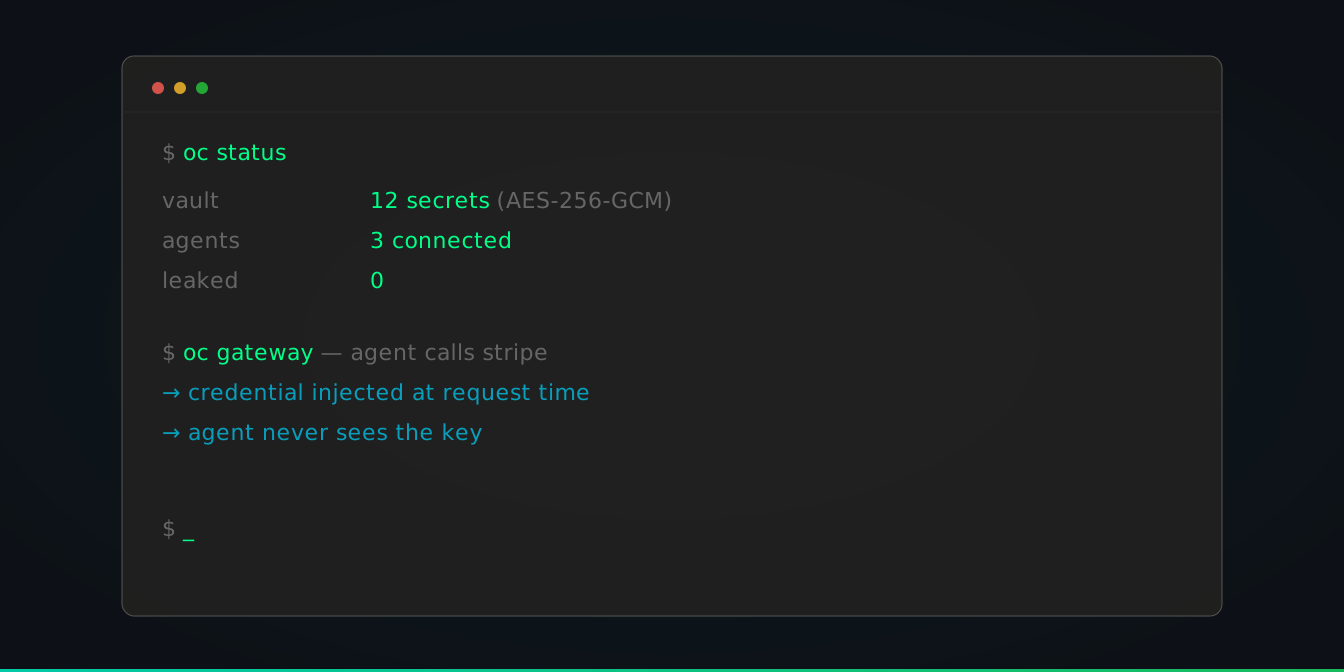
AI agents are making real API calls to real services: payment processors, cloud providers, code repositories, email systems. That means they need credentials. And right now, most teams hand those credentials over as raw API keys in environment variables.
OneCLI exists to fix that specific problem. But we've seen too many security tools launch with vague promises and no honest discussion of limitations. So here's ours.
What OneCLI actually does
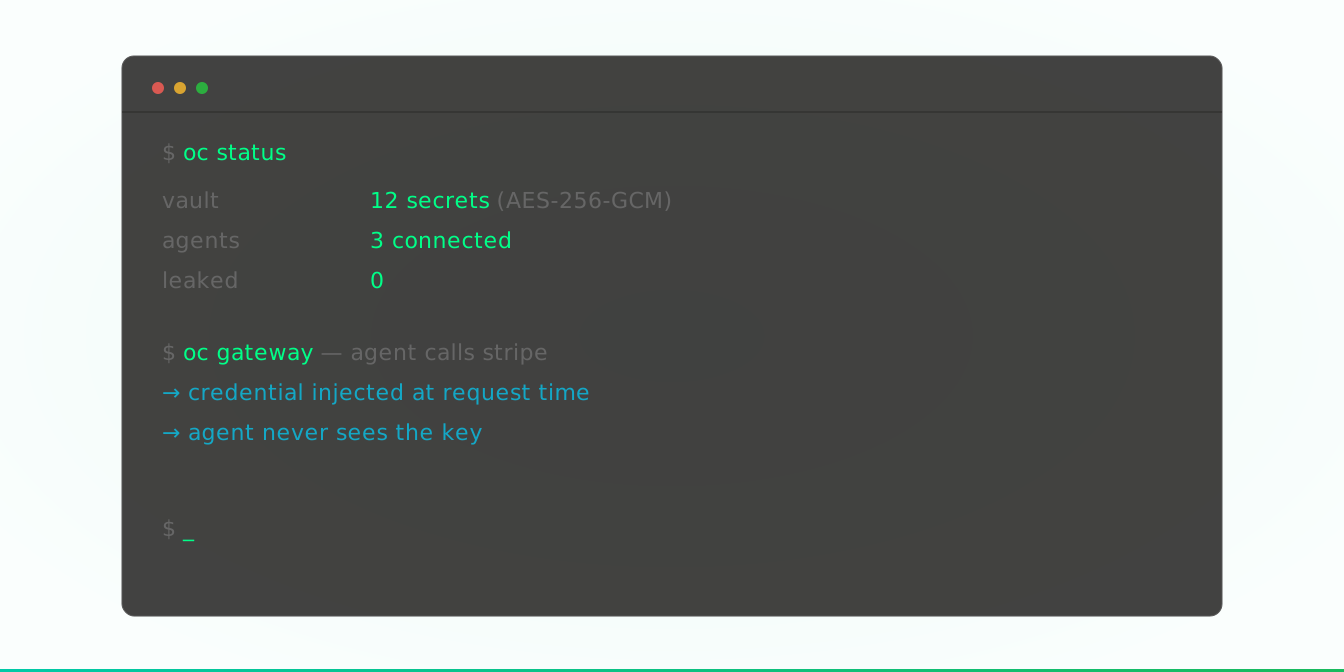
OneCLI is an HTTP gateway that sits between your AI agent and the APIs it calls. You store credentials in an encrypted vault (AES-256-GCM, decrypted only at request time). Agents get a proxy URL and an access token. When an agent makes an HTTP call, OneCLI matches the destination against host and path patterns, injects the correct credential, and forwards the request.
The result: your agent never holds a real API key in memory.
That's it. That's the product. Everything else follows from this one property.
What this protects against
Credential exfiltration via prompt injection. The OWASP Top 10 for LLMs ranks prompt injection as the #1 risk. A common attack pattern is tricking an agent into making an HTTP call to an attacker-controlled endpoint, leaking whatever credentials the agent has access to. If the agent doesn't have real credentials, there's nothing to leak. OneCLI makes this entire attack class a dead end.
Credential sprawl. When you have 5 agents across 3 environments, each with their own copy of your Stripe key in an .env file, rotating that key becomes a multi-hour project. With OneCLI, you rotate it once.
Blast radius from a compromised agent. If one agent is compromised, you revoke its access token. Other agents keep running. No key rotation needed across your entire fleet.
Lack of visibility. Without a gateway, you have no idea which agent called which API and when. OneCLI logs every request with agent identity, destination, and timestamp.
Accidental misuse in development. Junior dev spins up a new agent against production APIs? The agent only gets access to whatever you've scoped to its token. No surprise charges.
What this does NOT protect against
This is the section most security tools skip. We won't.
API misuse through legitimate access. If you grant an agent access to Stripe, OneCLI will faithfully inject your Stripe credentials into every request to api.stripe.com. If the agent hallucinates a charges.create call, that call goes through. OneCLI prevents credential theft, not credential misuse. These are different threat vectors requiring different controls.
For misuse, you need rate limiting, approval workflows, and API-level permissions (OAuth scopes, IAM policies). We're building rate limiting and approval workflows into OneCLI, but they're not shipped yet. Today, you should pair OneCLI with proper API-level access controls.
Proxy bypass. If an agent can make HTTP calls that don't go through the proxy, OneCLI can't intercept them. This is a network configuration problem. In Docker or Kubernetes, you can enforce proxy usage through network policies. On a bare host, you need iptables or equivalent rules. OneCLI doesn't solve network isolation for you.
A fully compromised host. If an attacker has root on the machine running OneCLI, they can read credentials from the gateway's memory at request time. OneCLI raises the bar significantly (credentials are encrypted at rest, decrypted only in the Rust gateway's memory for the duration of a request), but it's not magic. Hardware security modules (HSMs) and TEEs address this threat, and they're on our long-term roadmap.
Malicious tool use that doesn't involve credentials. An agent with access to a shell can do plenty of damage without any API keys. Deleting files, modifying data, sending messages through already-authenticated sessions. This is a different problem. Projects like Sage and NanoClaw address it by sandboxing agent execution environments. OneCLI and these tools are complementary.
Where OneCLI fits in a security stack
No single tool secures an AI agent deployment. Here's how we think about the stack:
Execution isolation controls what the agent can do on the host. NanoClaw runs agents in containers. Sage intercepts tool calls. IronClaw sandboxes code execution.
Credential isolation controls what secrets the agent can access. This is OneCLI. The agent talks through a proxy, never holds real keys, and you have a full audit trail.
API-level permissions control what the agent can do with legitimate access. OAuth scopes, IAM roles, API rate limits. This is your responsibility at the API provider level.
Observability gives you visibility into agent behavior. OneCLI provides this for HTTP calls. You likely need additional logging for local actions.
OneCLI covers one layer. It covers it well. But you need the other layers too.
The roadmap
Based on feedback from our Hacker News launch and conversations with teams running agents in production, here's what we're building next:
Approval workflows. Before an agent's request hits the API, route it to a human for approval. Configurable by host, path, method, and agent.
Rate limiting. Per-agent, per-API rate limits. If an agent starts making 100 Stripe calls in a minute, cut it off. Update: rate limiting is now shipped.
Vault integrations. Pull credentials from 1Password, HashiCorp Vault, AWS Secrets Manager instead of storing them in OneCLI directly.
OpenAPI-aware routing. Upload an API's OpenAPI spec and OneCLI can enforce which endpoints an agent is allowed to call, not just which host.
Try it
If you're running AI agents that make HTTP calls to external services, OneCLI takes about 2 minutes to set up:
git clone https://github.com/onecli/onecli.git
cd onecli
docker compose -f docker/docker-compose.yml up
git clone https://github.com/onecli/onecli.git
cd onecli
docker compose -f docker/docker-compose.yml upDashboard at localhost:10254. Gateway at localhost:10255.
Open source, Apache 2.0: github.com/onecli/onecli
We'd rather you understand exactly what you're getting than be surprised by what you're not.