Bitwarden Integrates with OneCLI Agent Vault
· Jonathan Fishner
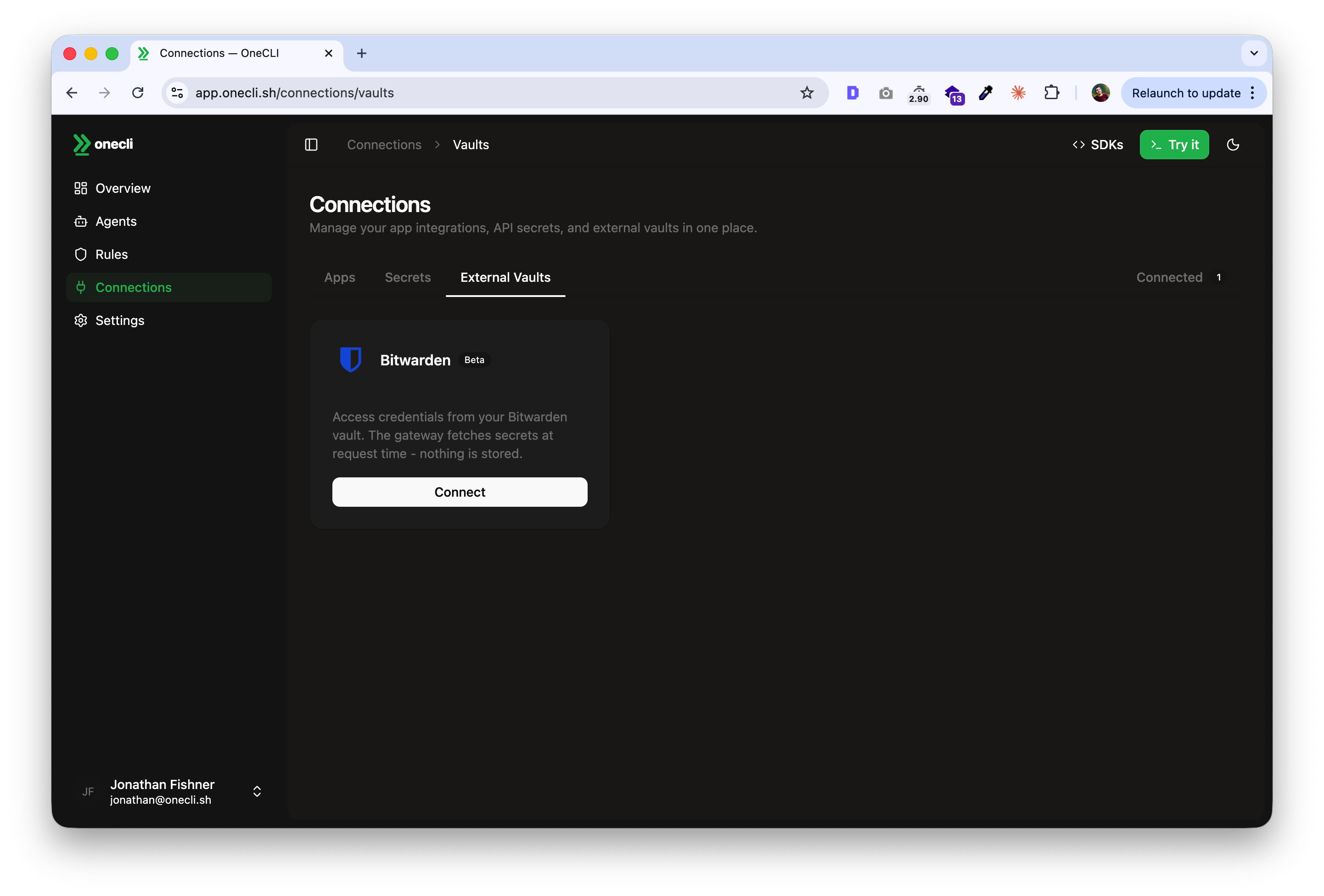
Bitwarden just launched their Agent Access SDK, letting AI agents access credentials from Bitwarden's vault with human approval. OneCLI is the open-source gateway that puts it to work: it sits between your agent and the APIs it calls, injecting credentials into requests at the network layer. Until now, agents had to hold API keys in memory to make authenticated calls. Now they don't.
Why this matters
Most agent credential setups today work like this: you store your API keys somewhere (env vars, a secrets manager, a password vault), the agent fetches the key, and from that point on the key lives in the agent's context. Extractable. Loggable. Leakable via prompt injection.
Secrets managers solve storage. They do not solve what happens after the agent has the key.
Bitwarden's Agent Access SDK takes a different approach. Every credential request goes through a human-in-the-loop approval flow. The agent asks for access, the user approves it through the Bitwarden CLI, and the credential gets injected without the agent ever seeing the raw value in plaintext.
Where OneCLI fits
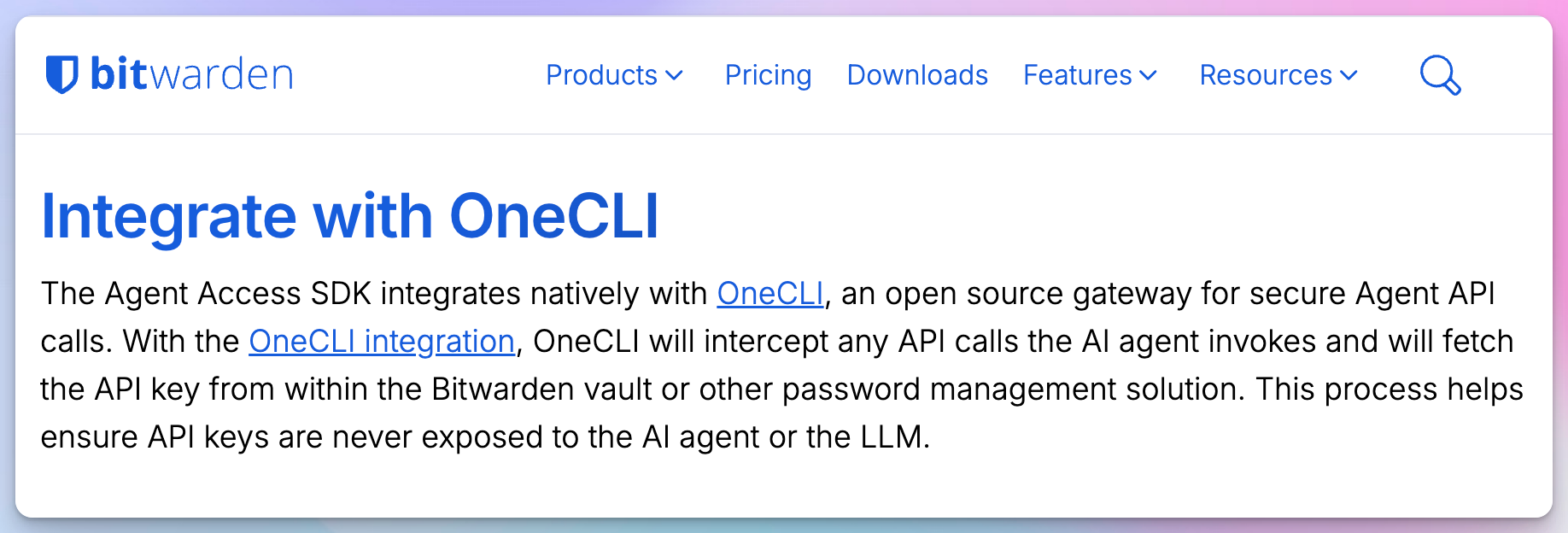
OneCLI sits between the agent and the external services it calls. It intercepts API requests, pulls the credential from Bitwarden's vault via their SDK, injects it into the outgoing request, and forwards it. The agent never holds the key. The LLM provider never sees it.
This is the same gateway architecture we use with every credential source, but Bitwarden adds something we did not have before: a mature approval workflow backed by enterprise key management. When Bitwarden's user approves a credential request, OneCLI handles the injection and policy enforcement on every subsequent API call.
# Configure Bitwarden as credential source
onecli provider add bitwarden \
  --vault-url "https://vault.bitwarden.com"

# Rate-limit API calls per service
onecli rules create \
  --name "Stripe rate limit" \
  --host-pattern "api.stripe.com" \
  --action rate_limit \
  --rate-limit 10 \
  --rate-window 1h
# Configure Bitwarden as credential source
onecli provider add bitwarden \
--vault-url "https://vault.bitwarden.com"
# Rate-limit API calls per service
onecli rules create \
--name "Stripe rate limit" \
--host-pattern "api.stripe.com" \
--action rate_limit \
--rate-limit 10 \
--rate-window 1h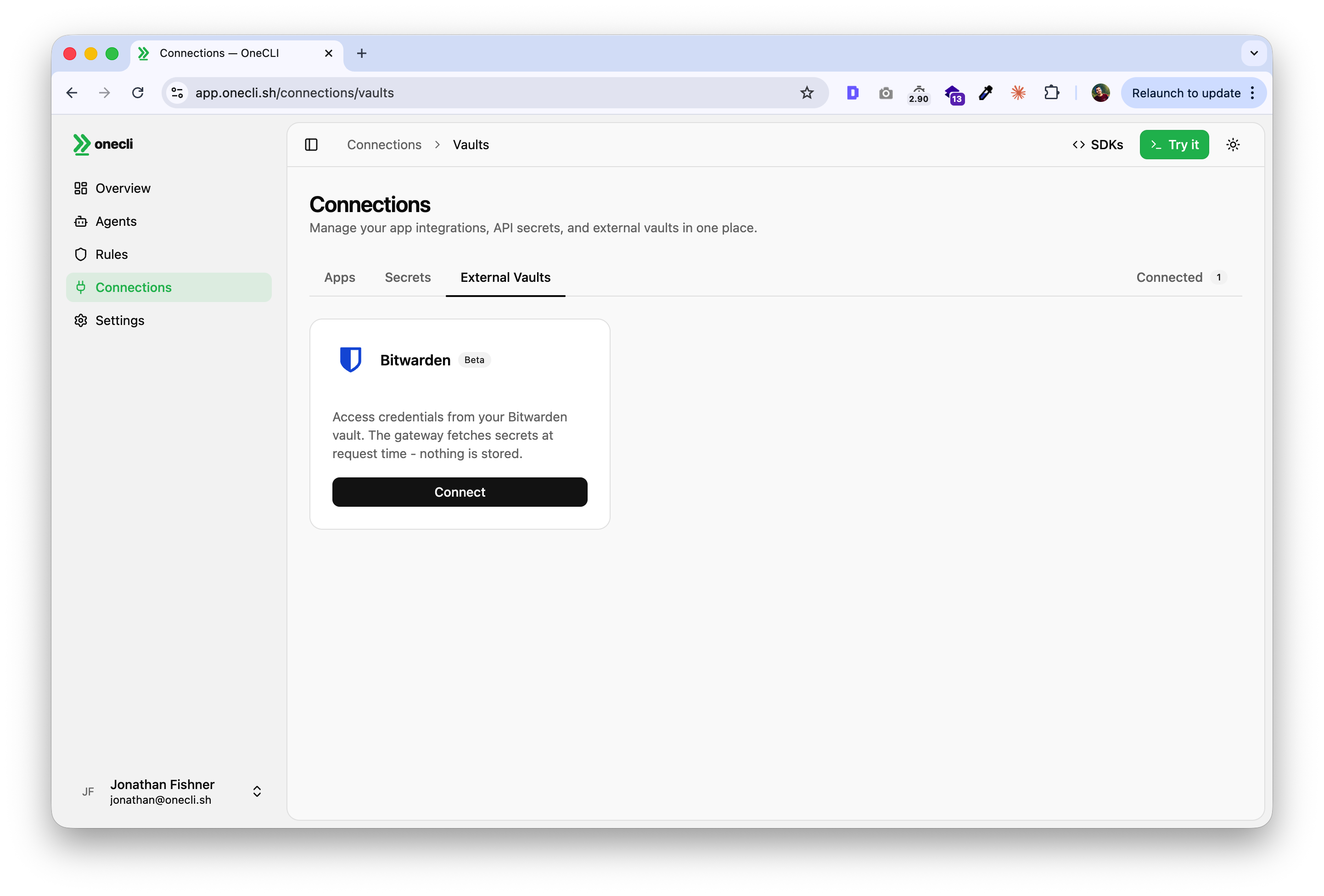
What users get
With the Bitwarden + OneCLI integration:
- Credentials stay in Bitwarden's encrypted vault until explicitly approved by a human.
- OneCLI proxies every API call the agent makes, injecting credentials at the network layer.
- Rate limiting and policy enforcement apply to every proxied request.
- Audit trail covers both the approval (Bitwarden side) and the usage (OneCLI side).
This works with any agent framework. If your agent makes HTTP calls to external services, OneCLI can proxy them regardless of whether you are running NanoClaw, OpenClaw, or something custom.
Try it
Both projects are open source. The integration is live in alpha.
- Bitwarden's blog post: bitwarden.com/blog/introducing-agent-access-sdk
- Bitwarden Agent Access SDK: github.com/bitwarden/agent-access
- OneCLI: github.com/onecli/onecli
If you are running agents in production and thinking about how to handle credentials safely, this is worth looking at. The combination of human-in-the-loop approval with runtime policy enforcement is the closest thing to a real trust layer we have seen.